Store sensitive information securely. Use it with ease.
Keep the information you use often encrypted on your computer. A secure, easy-to-use digital safe.
Not stored in the cloud
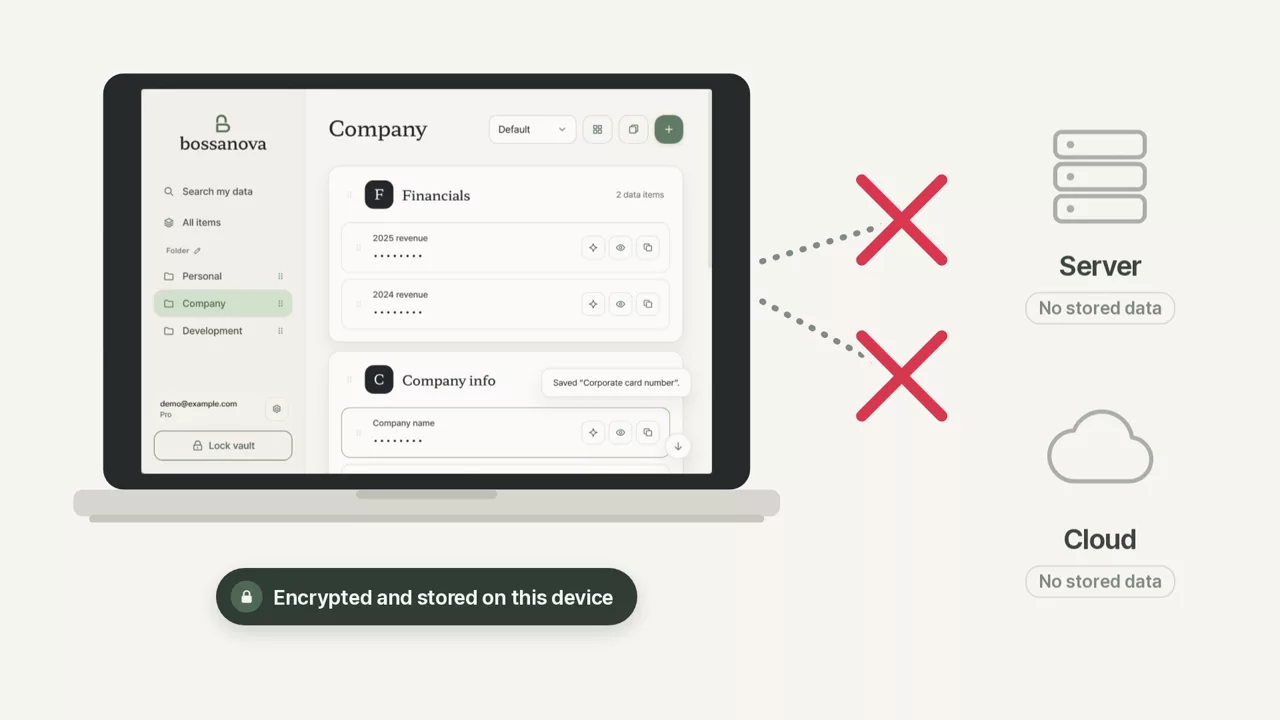
Store on your computer
Keep text and images together in your vault. Its contents are encrypted, stored only on your computer, and never uploaded to a server.
Find what you need
Quickly find saved information by name or description. Keeping it organized stays easy as your collection grows.
Use the information you need
Open your vault to view or copy your information. You can also let AI such as ChatGPT, Claude or Gemini use it safely.
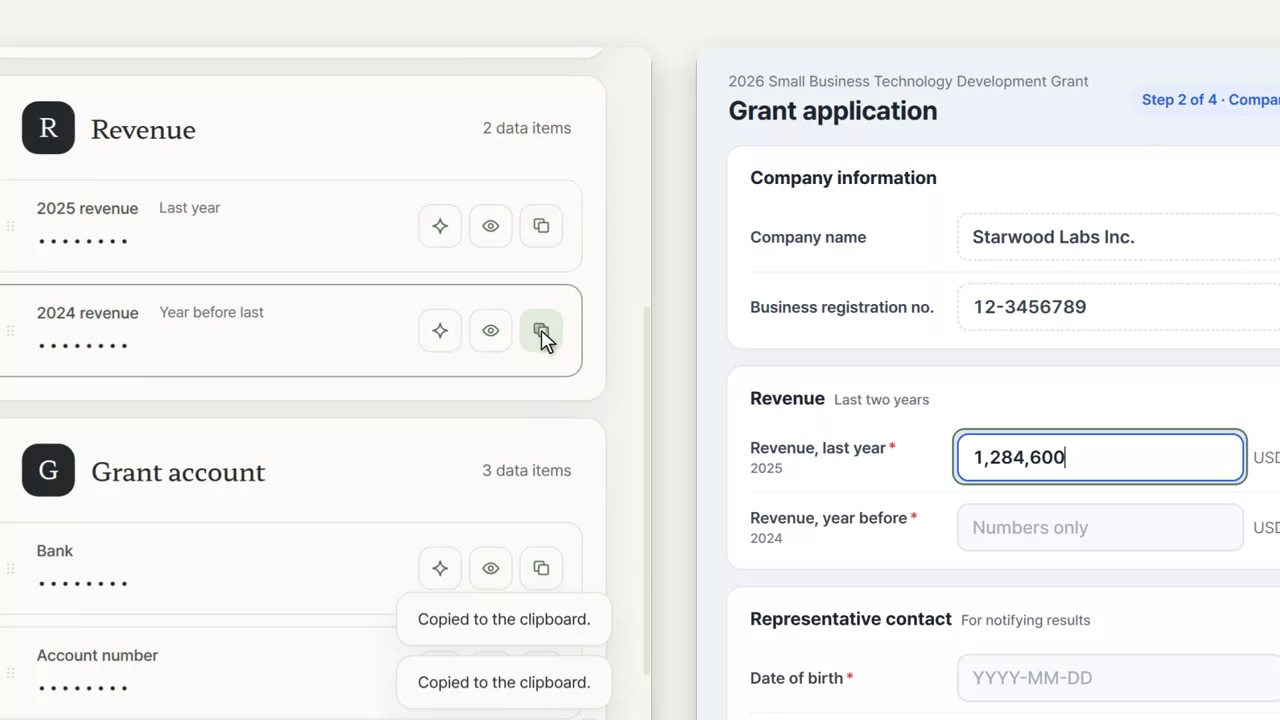
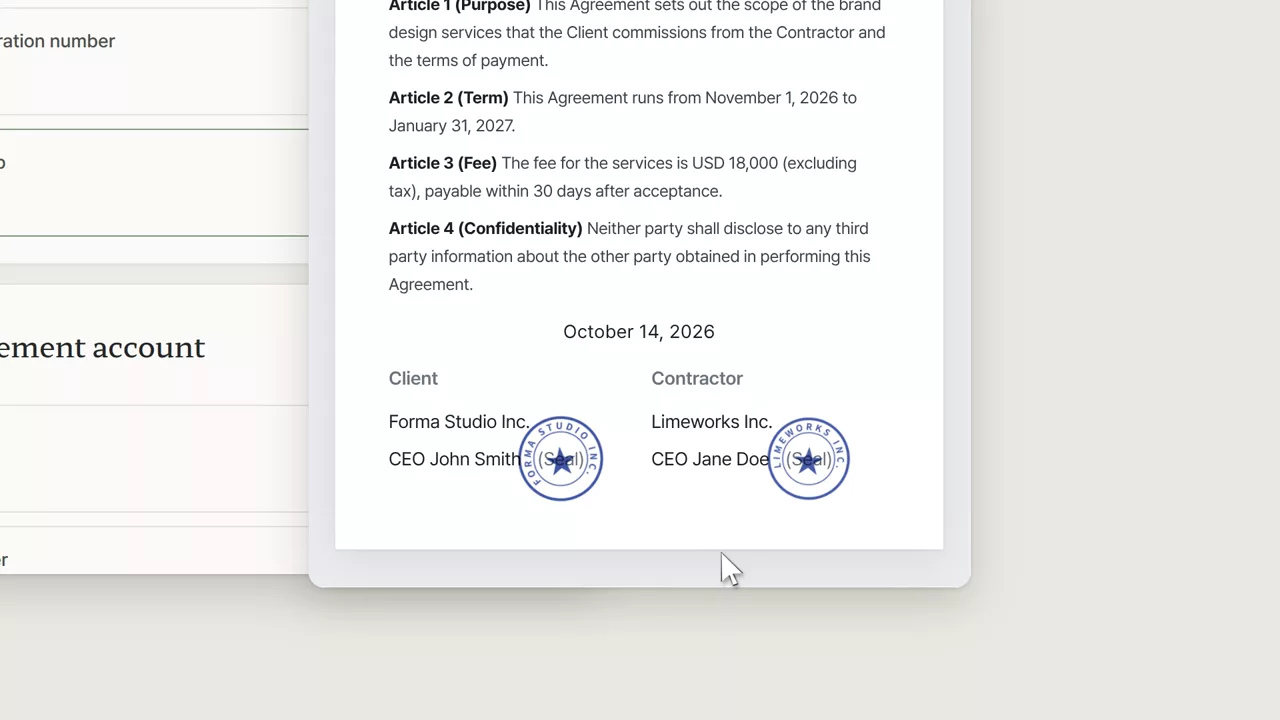
Keep personal details, company information, API keys and stamp images organized in one place
Save the details you keep looking up and typing, then reuse them whenever you need them. From passwords to stamp images, everything stays encrypted on your computer.
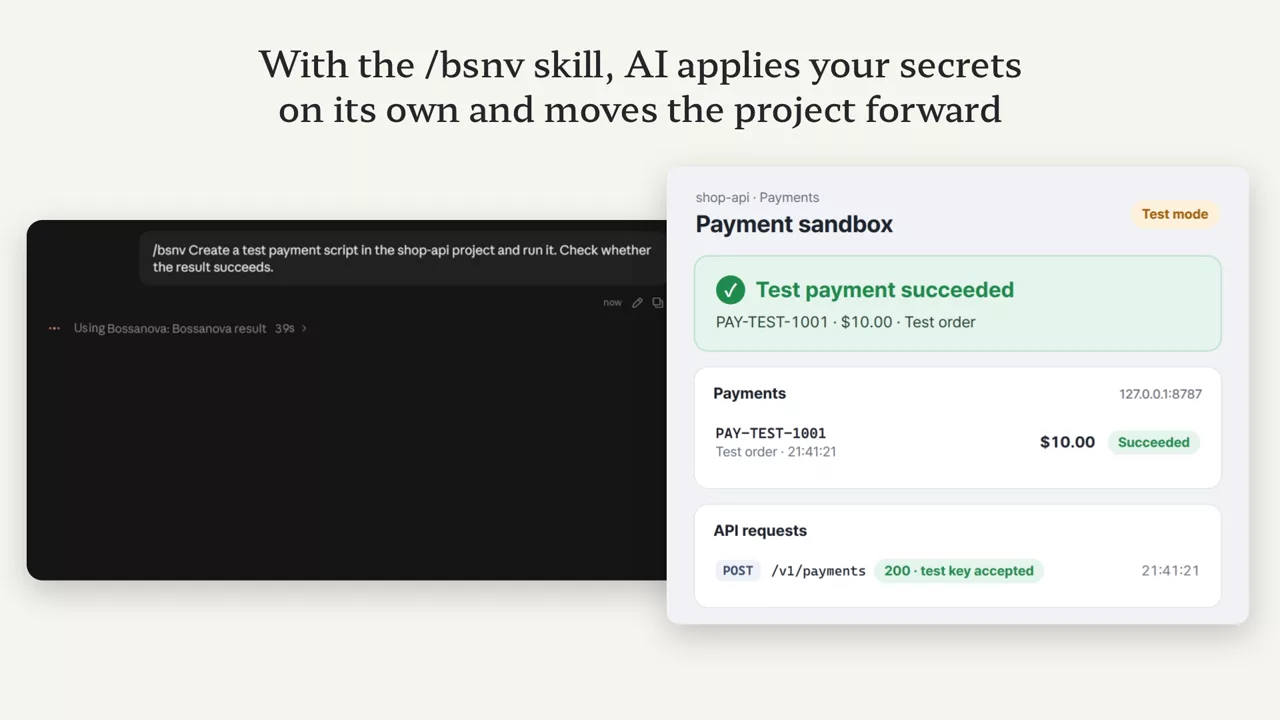
No need to share secrets with AI
Let AI help with your work while your secrets stay private. For supported tasks, Bossanova uses the values on your behalf without sending them to AI.
Frequently asked questions
Do I need an internet connection?
Getting started requires sign-in and device approval, including with a free account. Your vault then runs locally, with periodic internet access to verify your license. These checks do not send your vault contents. Paid features work offline until the last verified license expires, for up to seven days. AI connections and requests to external services also require internet access.
What happens to my data if I cancel?
After paid access ends, you can still view, search, copy, back up and recover all existing information. Your ten fixed basic fields remain editable; additional fields become read-only. Templates require a paid subscription.
Can AI see my private data?
AI never receives the value. Once you allow it on an approval card, Bossanova sends the request or launches the program on the AI’s behalf. AI can read only values you marked “Not a secret”, and values already delivered cannot be recalled. This does not block access through the OS or other tools.
How many devices can I use?
You can activate a vault on one device with Free, two with Plus and five with Pro. Transfer a vault directly between devices on the same Wi-Fi; automatic sync is not provided. Manage active devices on your account page.